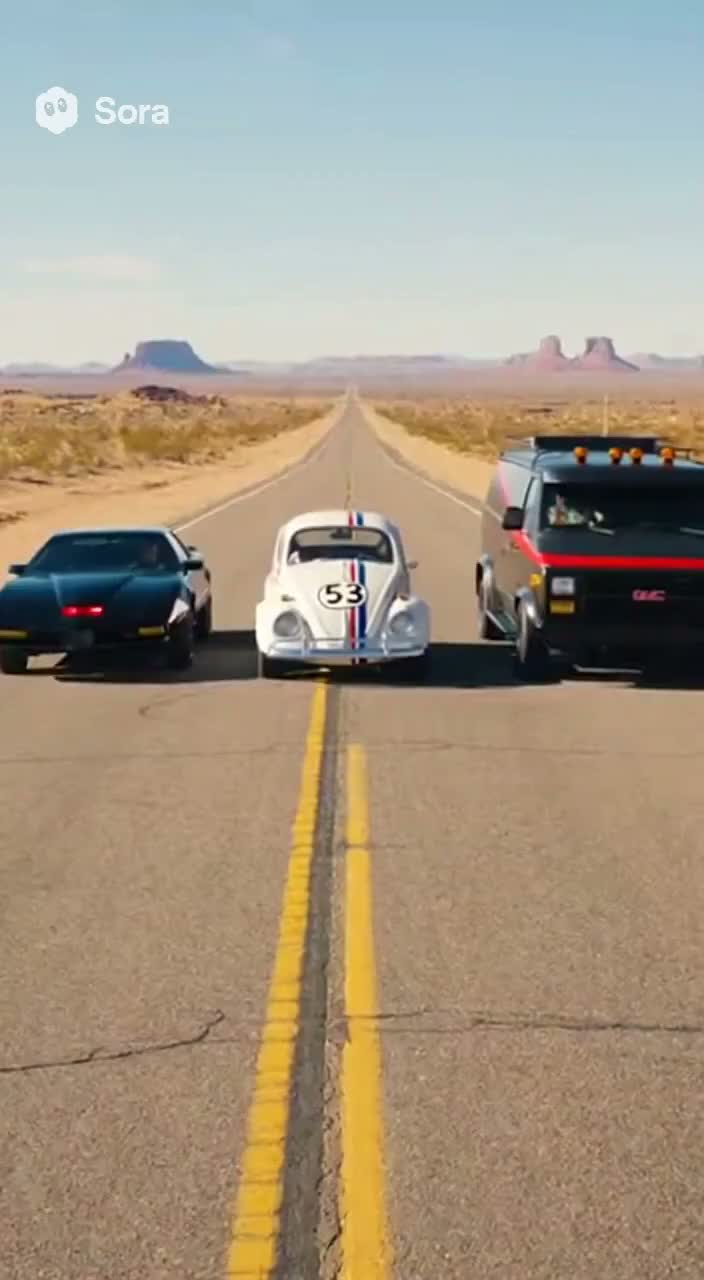
CinematicLandscapeAI Generated
Cinematic Landscape Generation
Stunning AI-generated cinematic landscape with breathtaking natural scenery and dynamic lighting
Generate images, create videos, and edit visual content with advanced AI models — from idea to publish-ready content.
Turn a text prompt or still image into a polished video. Start with a prompt, preview the workflow, and continue when your plan is active — no editing skills required.
Transform text into stunning, realistic videos with synchronized audio. Browse our gallery and try the prompts to start your creative journey.
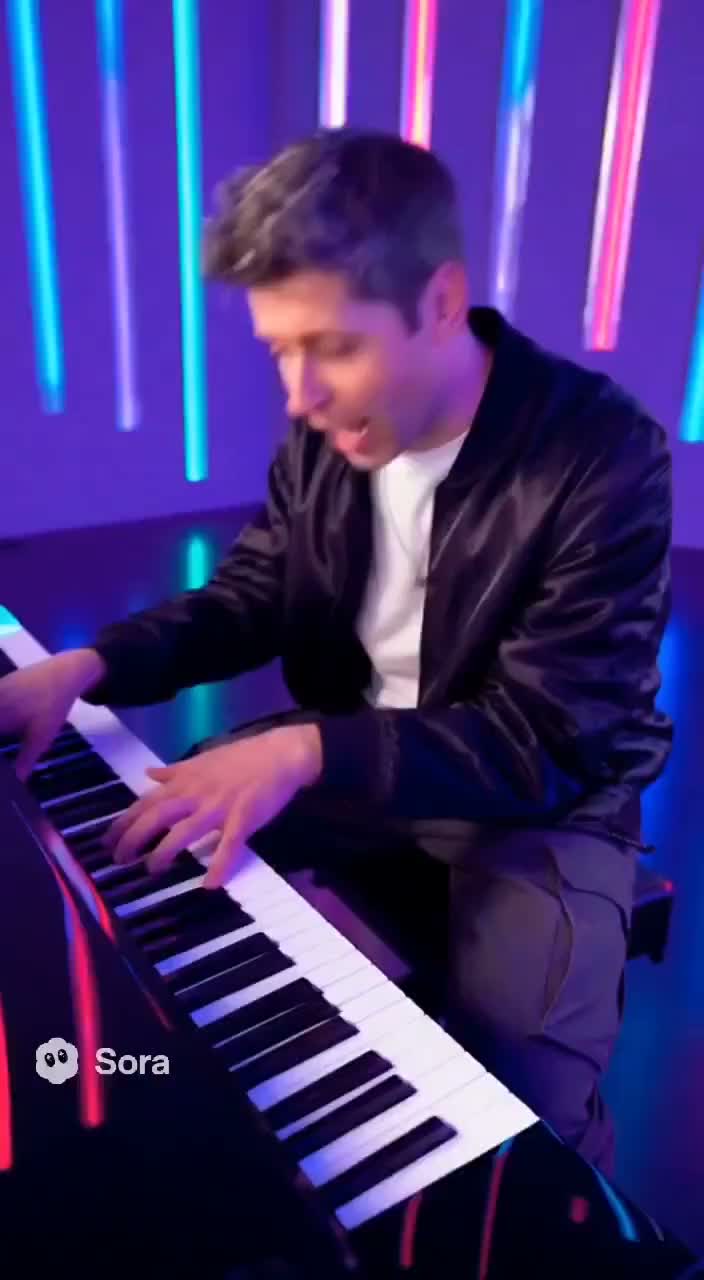
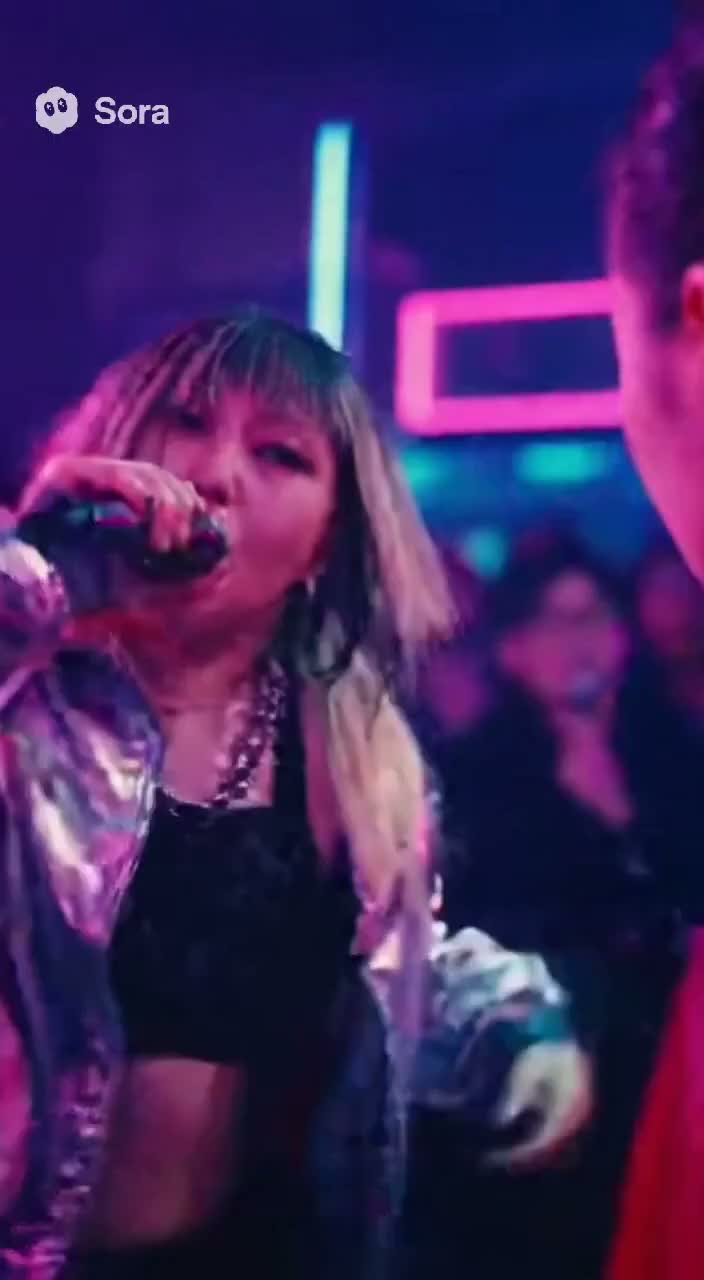
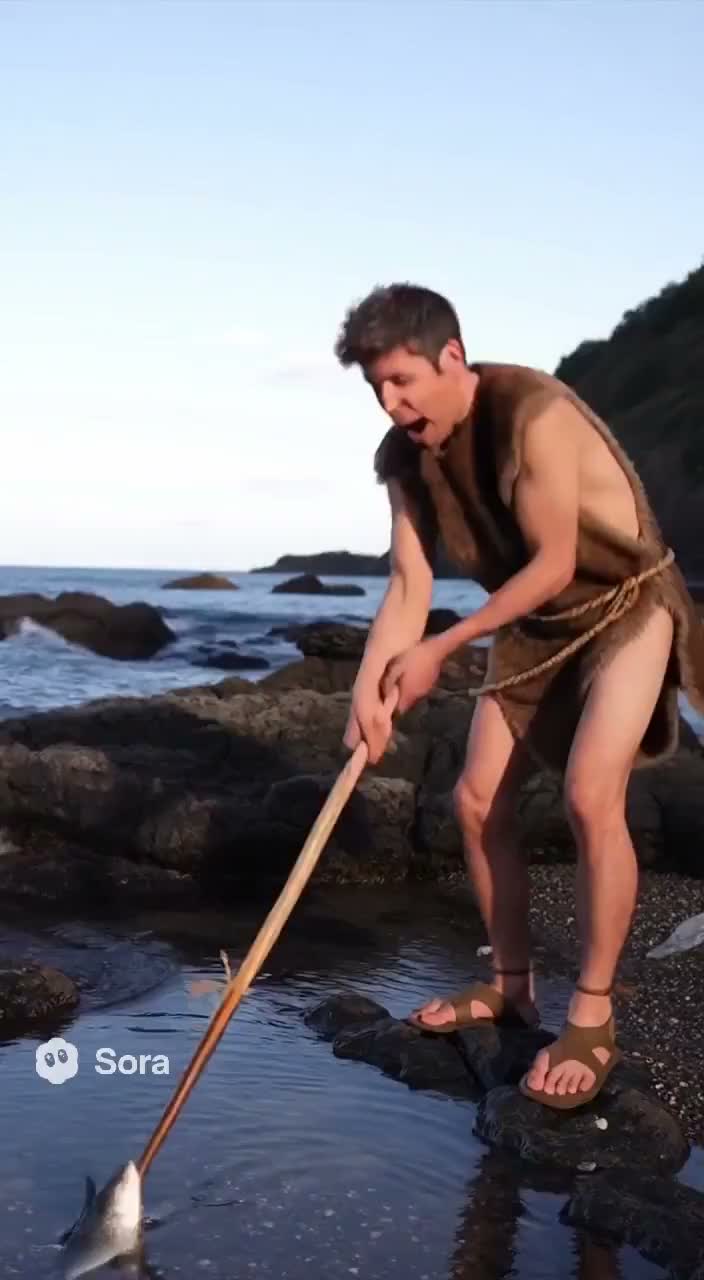
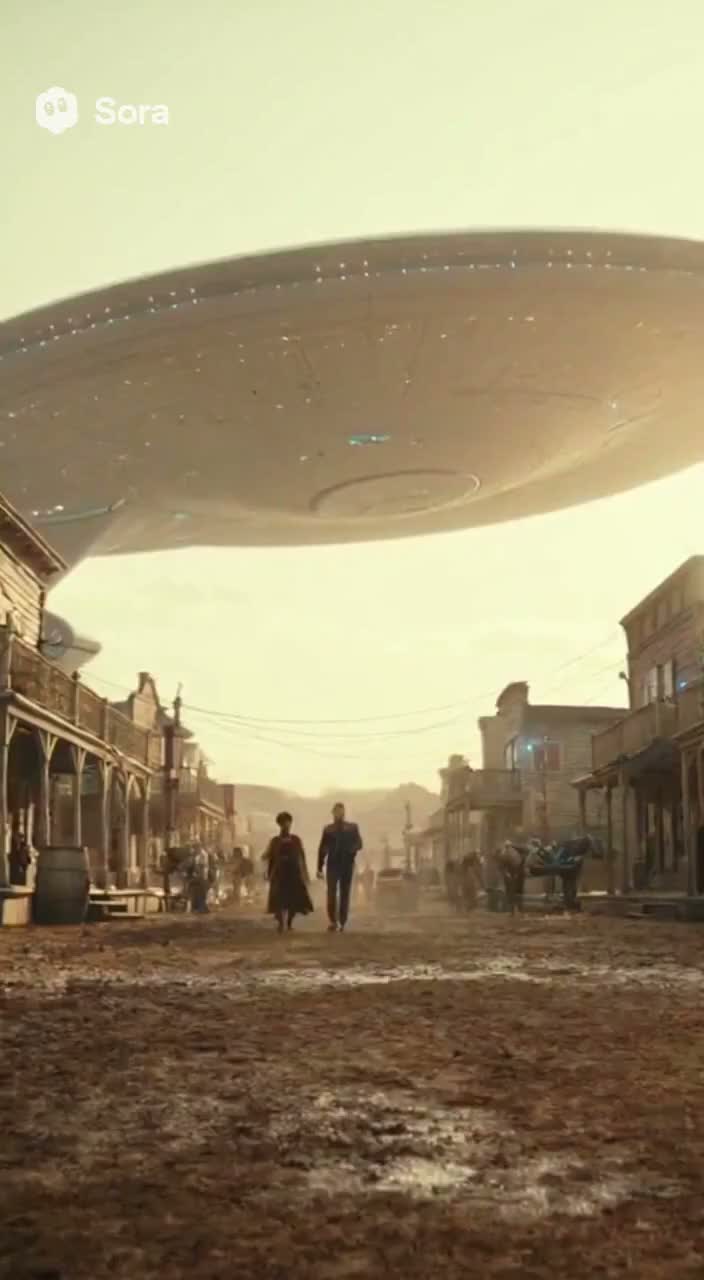
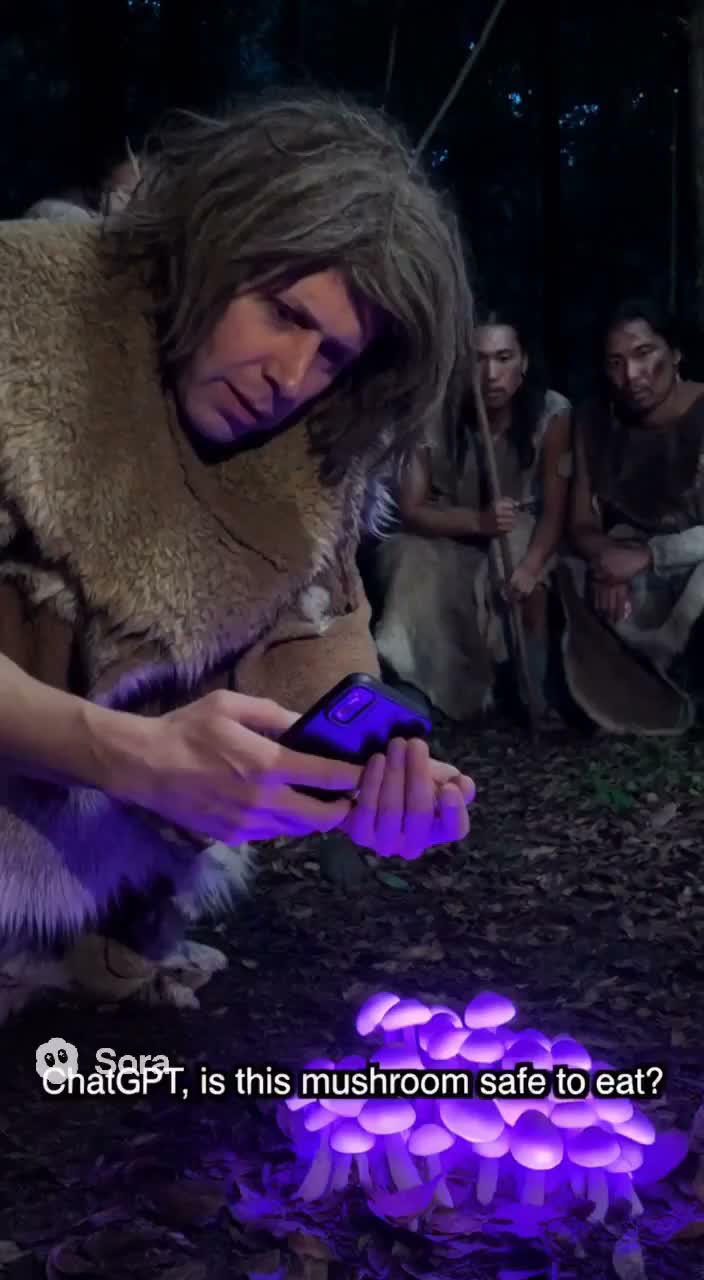
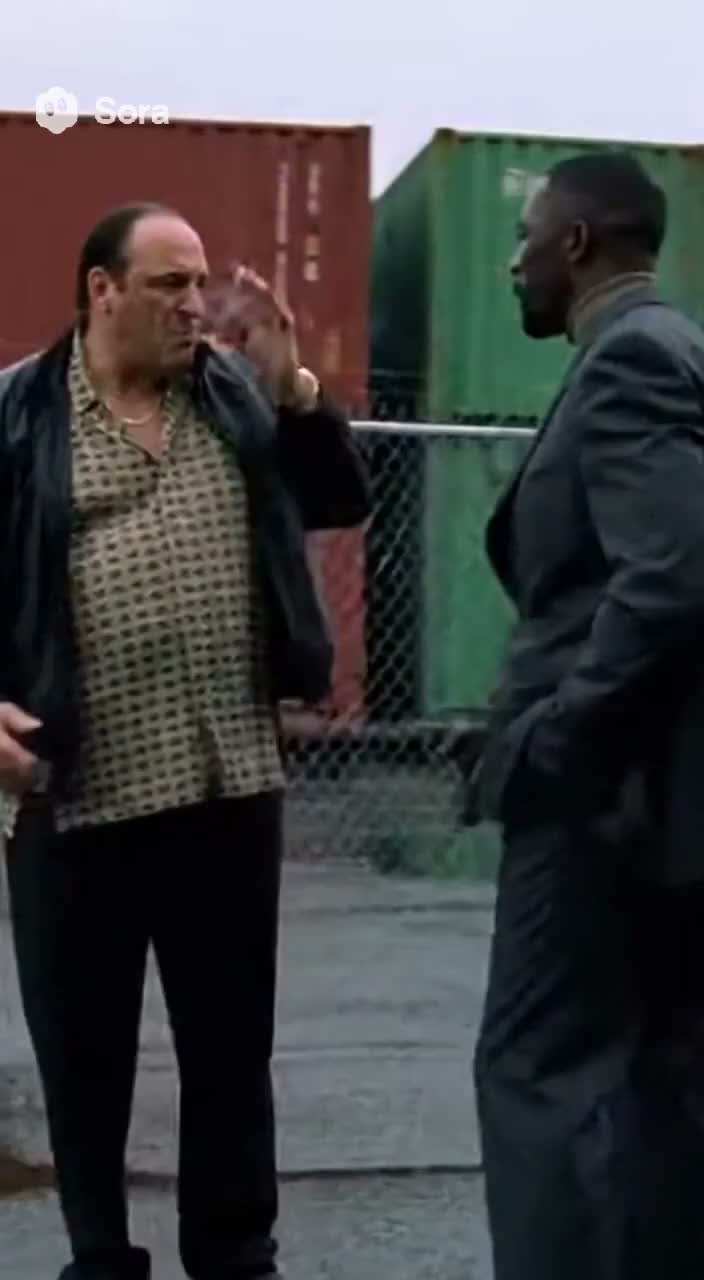
Use one Sora 2 AI video generator for text-to-video, image-to-video, Pro controls, upscaling, and cleaner downloadable results.
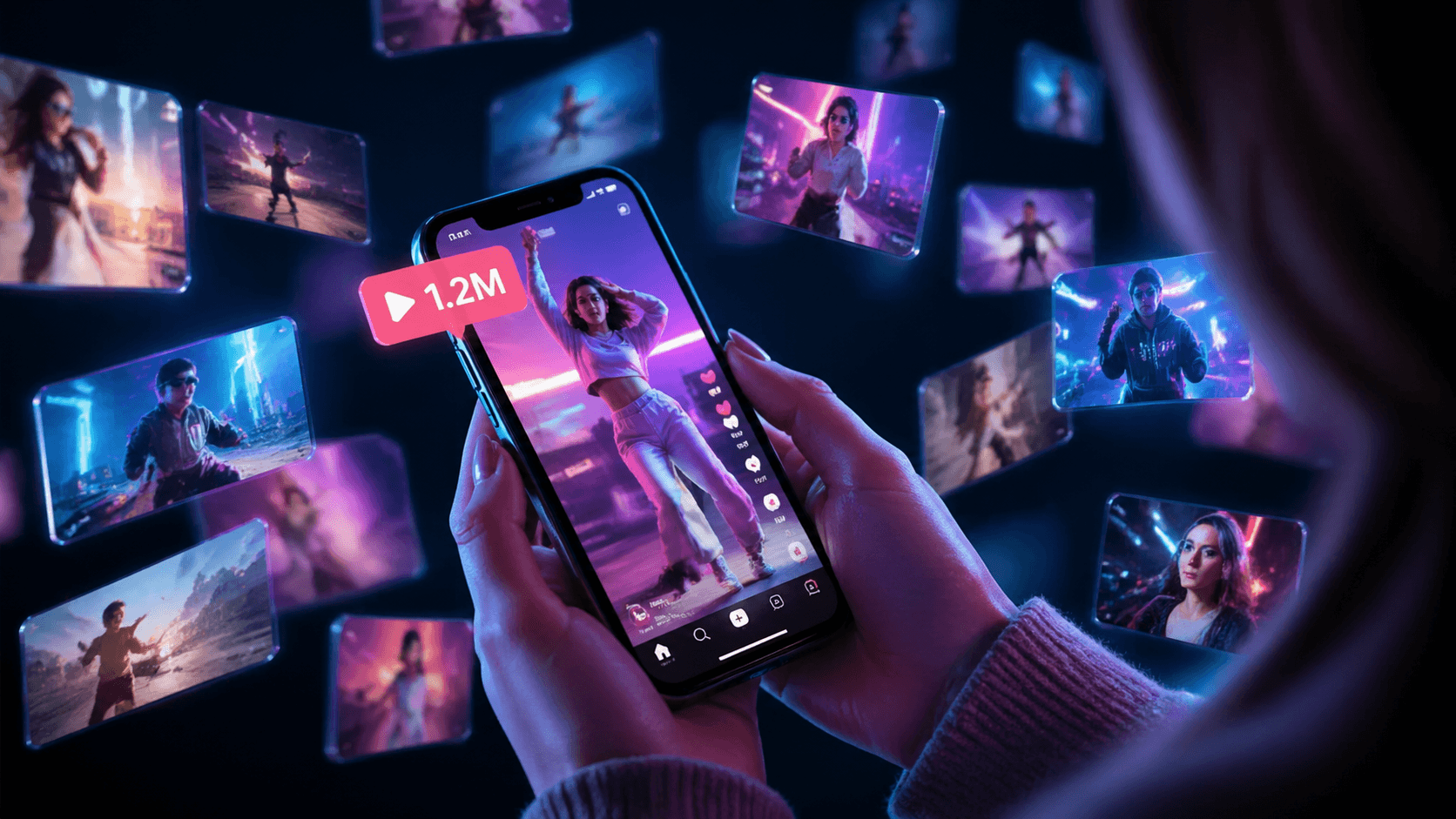
Start from a text prompt and describe the subject, setting, motion, camera angle, and mood. Sora 2 turns the brief into a cinematic video you can preview and refine.
Try Text to Video
Upload a reference image, then guide the movement with a short prompt. Use Sora 2 image-to-video for product shots, portraits, visual concepts, and social clips.
Try Image to Video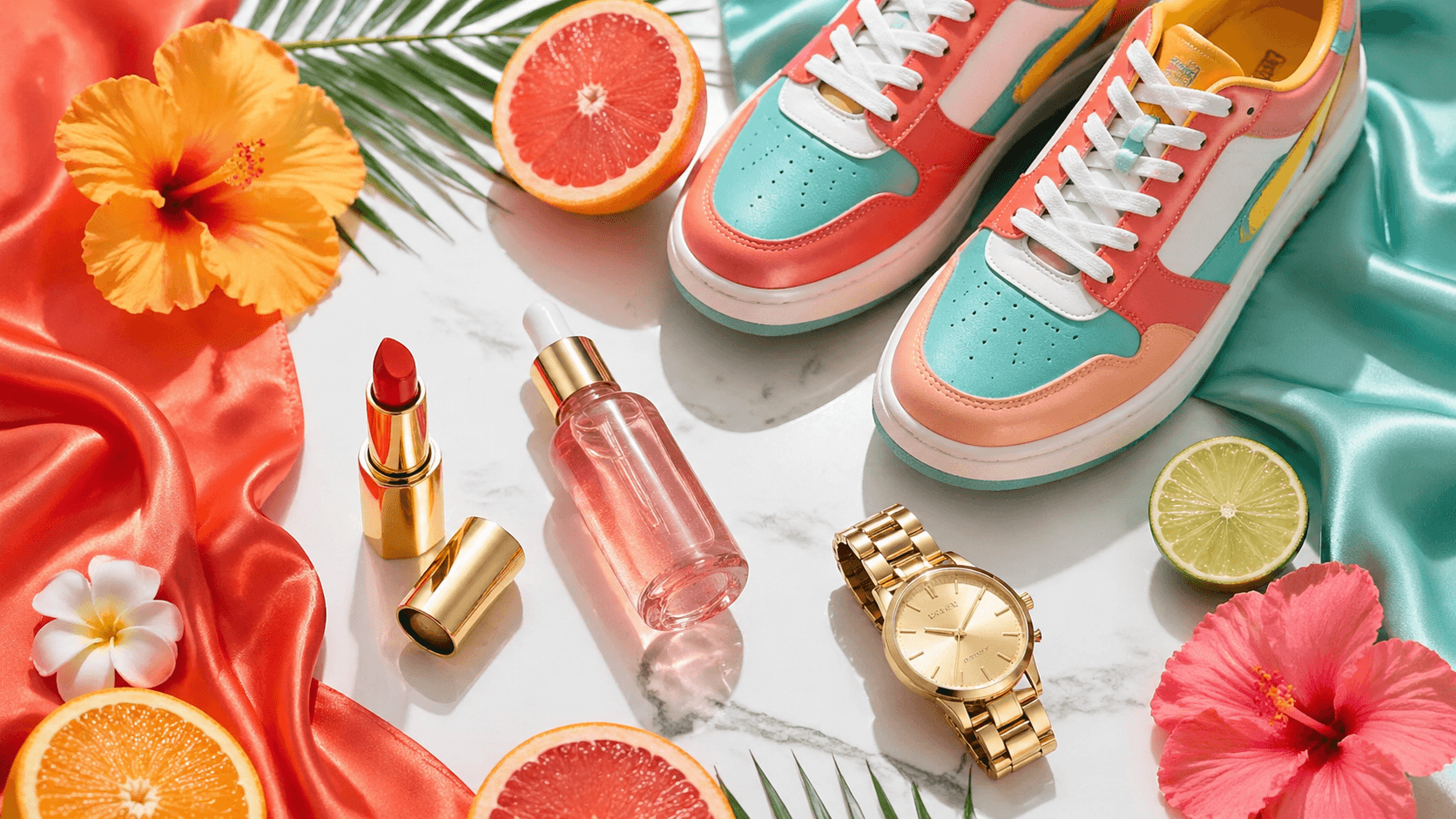
When a project needs more production flexibility, switch to Sora 2 Pro options before generation. Review the credit estimate first, then create the version that fits your brief.
Explore Sora 2 Pro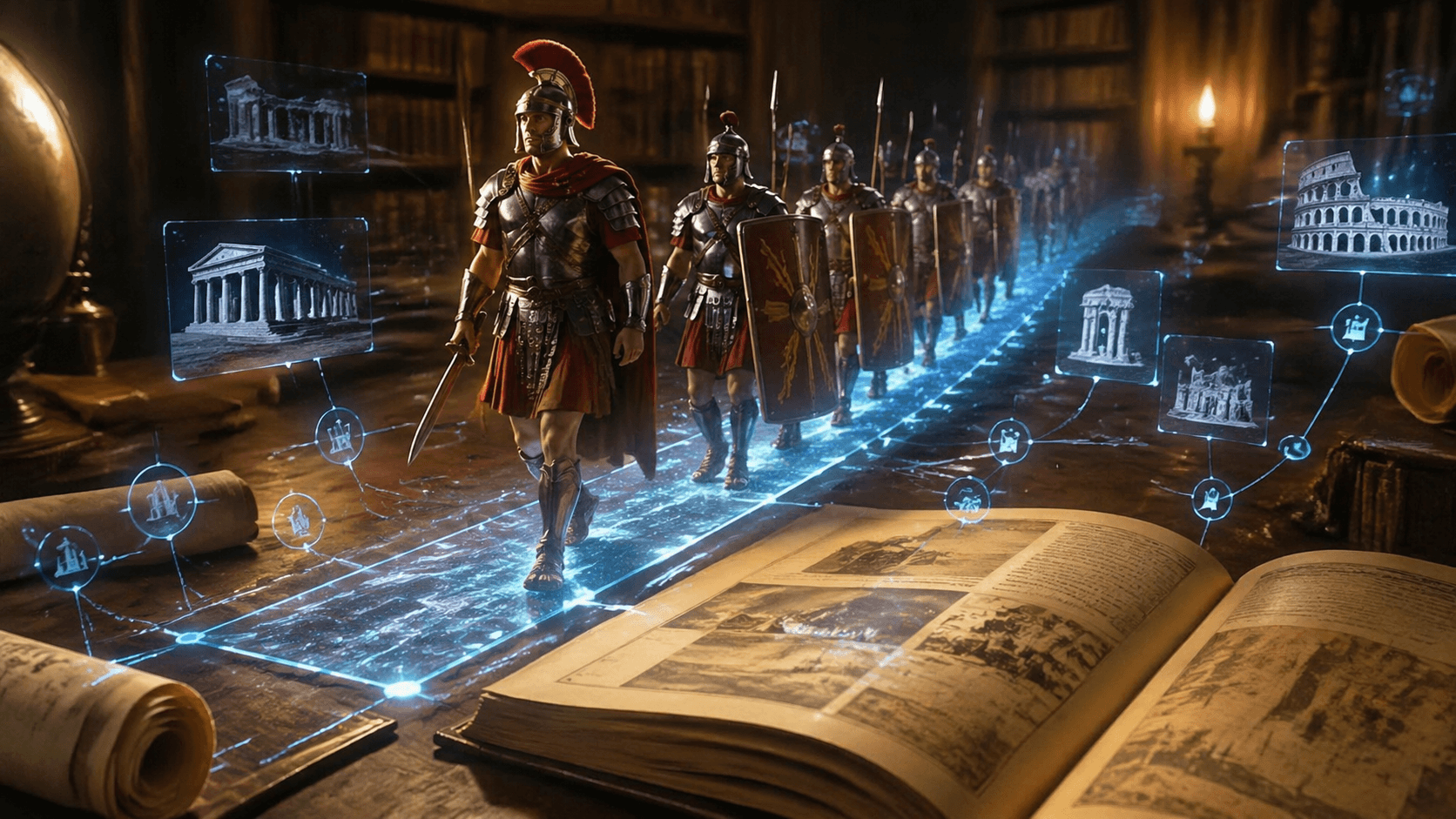
After generation, improve lower-resolution clips with AI video upscaling. It helps prepare cleaner assets for websites, presentations, ads, and social publishing.
Try Video Upscaler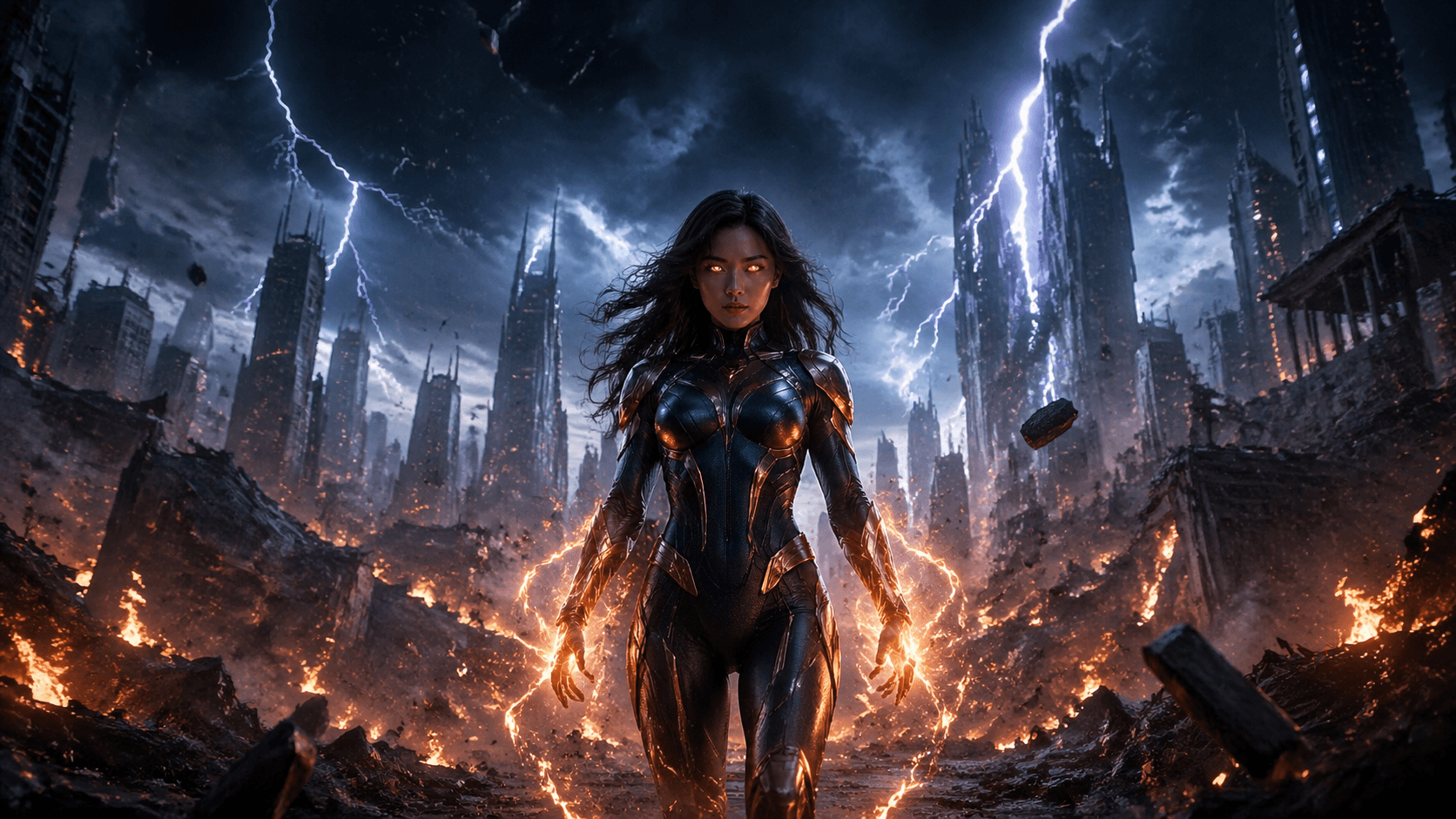
Clean up video assets when an unwanted watermark or logo appears in source footage. Keep the workflow focused on usable, downloadable videos instead of manual editing.
Try Watermark RemoverOur Sora 2 AI video generator is easy to use, allowing you to create high-quality videos in just 3 steps.
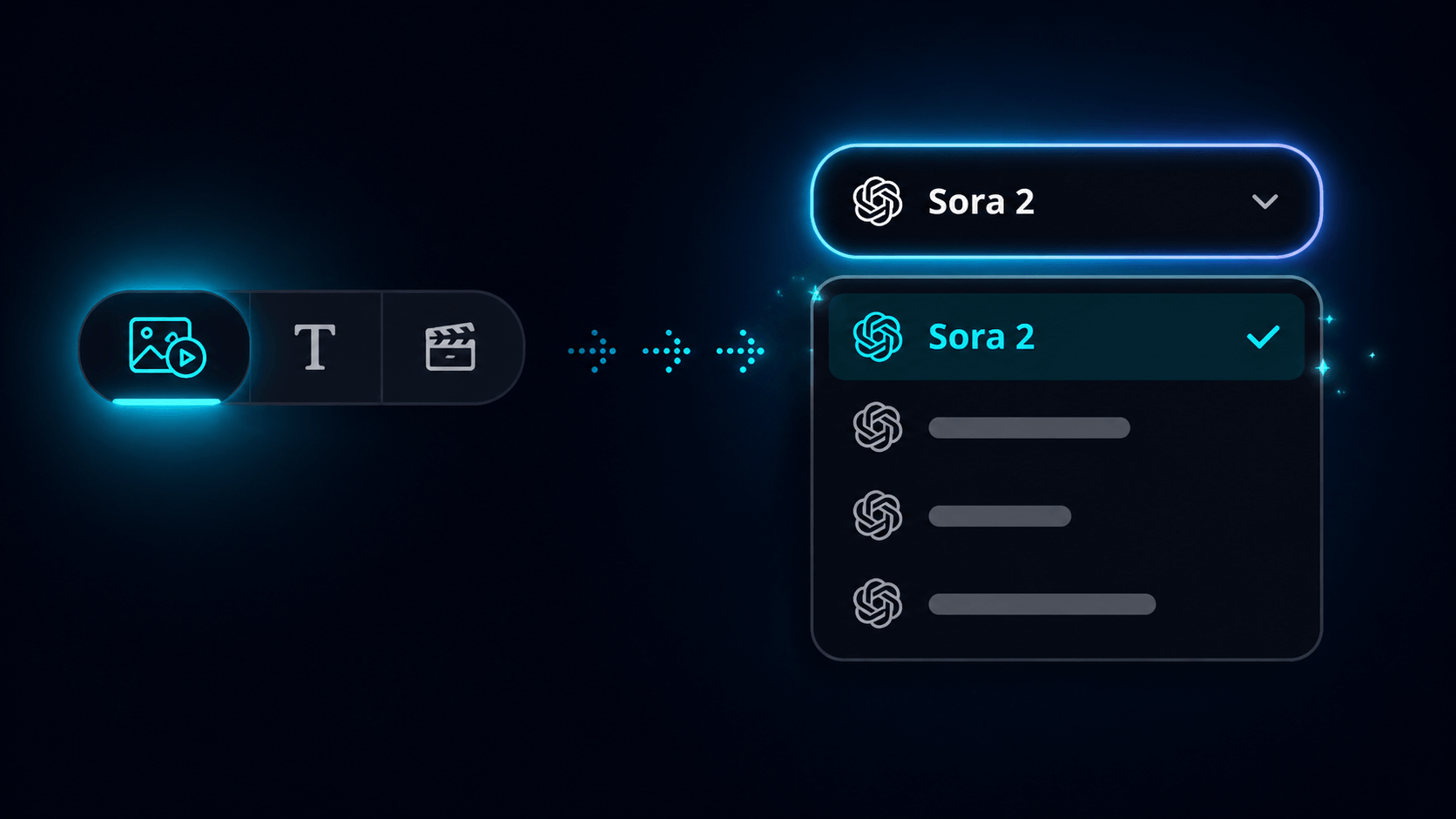
Open the VidOne generator on the homepage and switch the model selector to Sora 2. The same workflow handles both text-to-video and image-to-video — no separate page to load.
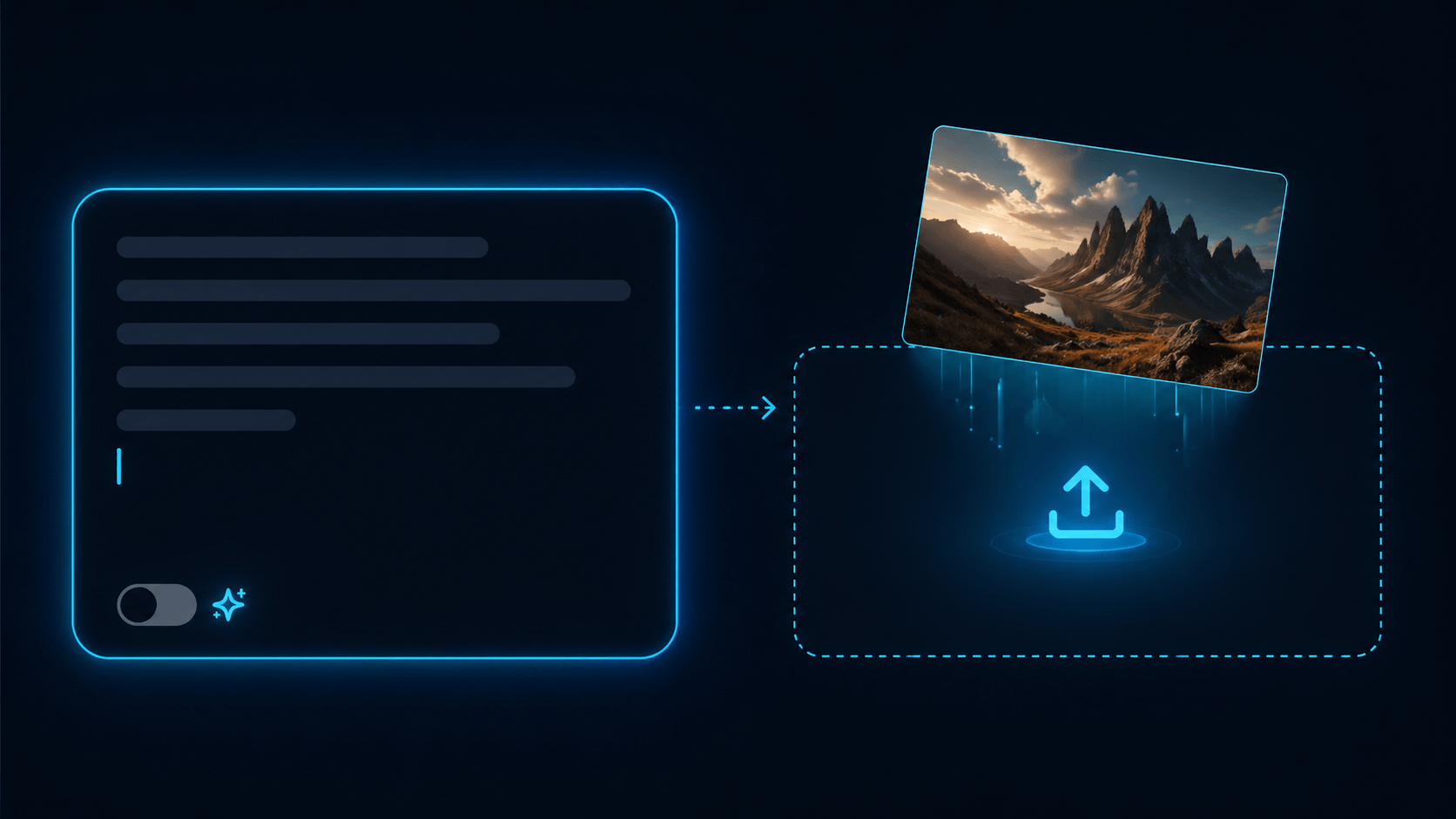
Describe the scene you want — characters, actions, setting, camera moves — or upload a reference image. The more specific your brief, the closer Sora 2 lands to what you imagined.
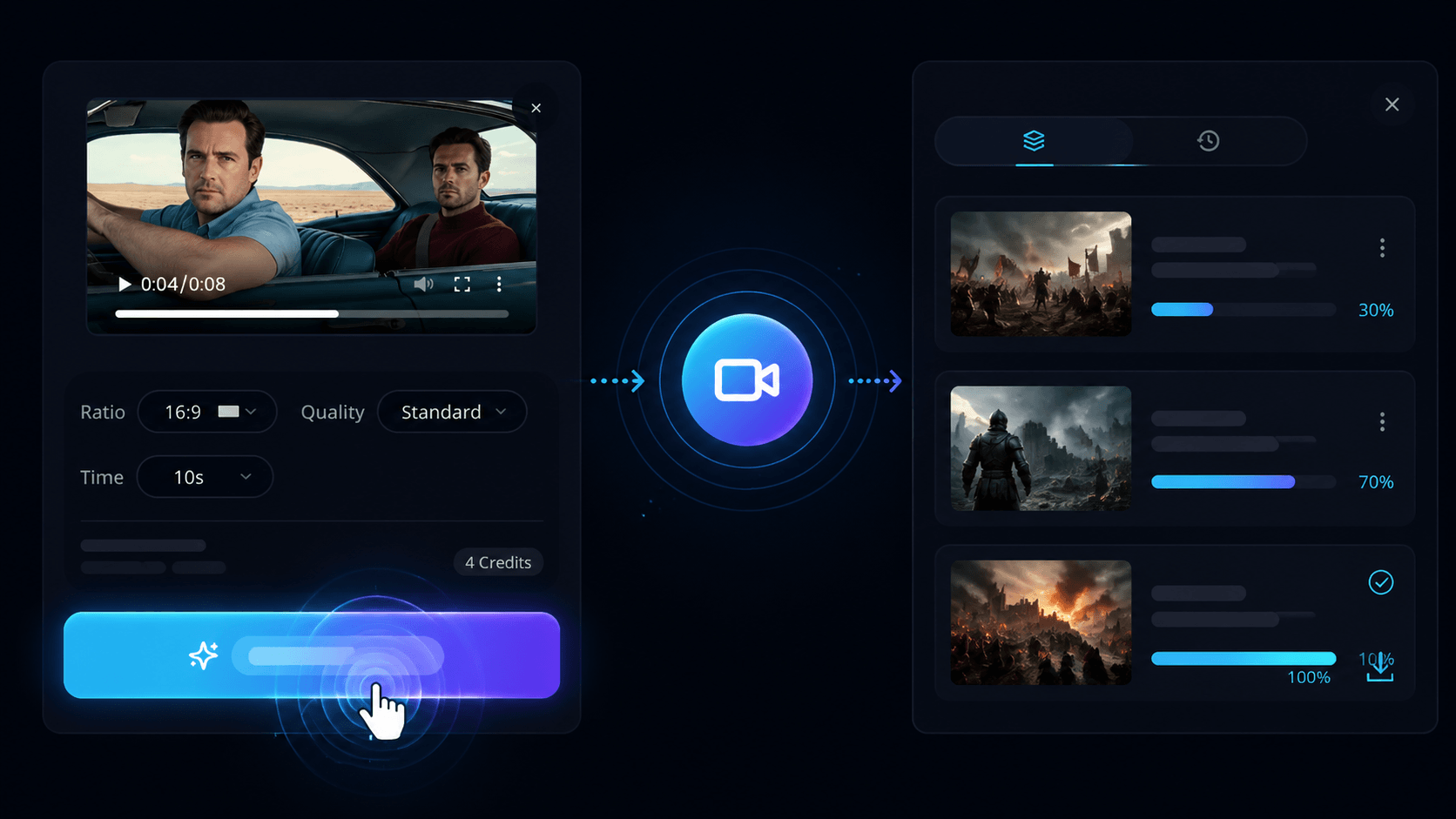
Hit Generate and Sora 2 returns a finished clip with native audio in minutes. Preview it inline, download in your platform's preferred format, or send it back through for another pass.
Creator feedback featured on the reference site for layout demonstration
“Tried a bunch of AI video tools — this is by far the smoothest. The cloud processing makes it feel instant.”
 Vanessa T.Social Media Manager
“My designs came to life! Seeing my sketches animated gave me chills. It's like having a mini studio on standby.”
 Kaitlyn Y.Fashion Illustrator
“I didn't expect much, but wow — the quality is crisp, and it even understood vague prompts. Super intuitive.”
 Nina K.Indie Game Developer
“We used it for a product launch teaser. It took 15 minutes from idea to final video — clients thought we hired a motion designer.”
 Jason M.Marketing Lead at Brightly
“Our team uses it to test visual concepts fast. It's become part of our creative prototyping toolkit.”
 Daniel C.Founder at PixelNest
“As a student with zero budget, I love that it gives you credits to start. And it actually looks good!”
 Aliyah S.Student / Animator
“This completely changed my workflow. I turned static art into motion content in under a minute — no editing skills needed. Love it!”
 Emily R.Freelance Designer
“This is the definition of plug-and-play creativity. If you're a solo creator, this is gold.”
 Andre P.YouTuber (Tech & Tools)
“I make daily shorts on social. This saves me hours. Upload a sketch, type a mood, and done. Couldn't be easier.”
 Leo H.Content Creator
“Great UX, fast generation, and useful outputs for pitch decks and ads. I barely needed a tutorial.”
 Tom R.Startup Founder
There is no free plan. VidOne offers three paid plans billed monthly through Stripe. Live generation is not connected yet, so a paid account enters a simulated launch queue.
The Sora 2 workflow is presented in the browser. Live generation is not connected yet, so the interface does not return a finished clip or consume credits.
The interface includes an image-to-video workflow. Upload and generation remain unavailable until a live provider is connected and verified.
Sora 2 is the standard generation mode for fast text-to-video and image-to-video creation. Sora 2 Pro unlocks higher-control options for creators who need more production flexibility.
Plans are billed monthly in USD through Stripe. Live generation and usage allowances are not active yet, and no credits are consumed by the simulated queue.
Download controls are part of the planned workflow, but they remain disabled until live generation is available.
Yes. Paid plan terms include commercial usage for YouTube, ads, marketing, and client projects. Review the applicable plan and terms before publishing.
Account and generation data are handled through the configured service providers. Review the Privacy Policy for storage, retention, and data-request details.
The interface presents a watermark-removal workflow for source clips. Live processing is not connected yet, so no video is uploaded or cleaned.
The planned workflow is designed to improve lower-resolution clips with AI upscaling. Live processing and delivered output remain unavailable.
Testimonials are reproduced from the reference site to demonstrate the requested layout and have not been independently verified for VidOne AI.
Video and image generation in one platform — Veo, Sora, Kling, Seedance, Wan, Grok and more.
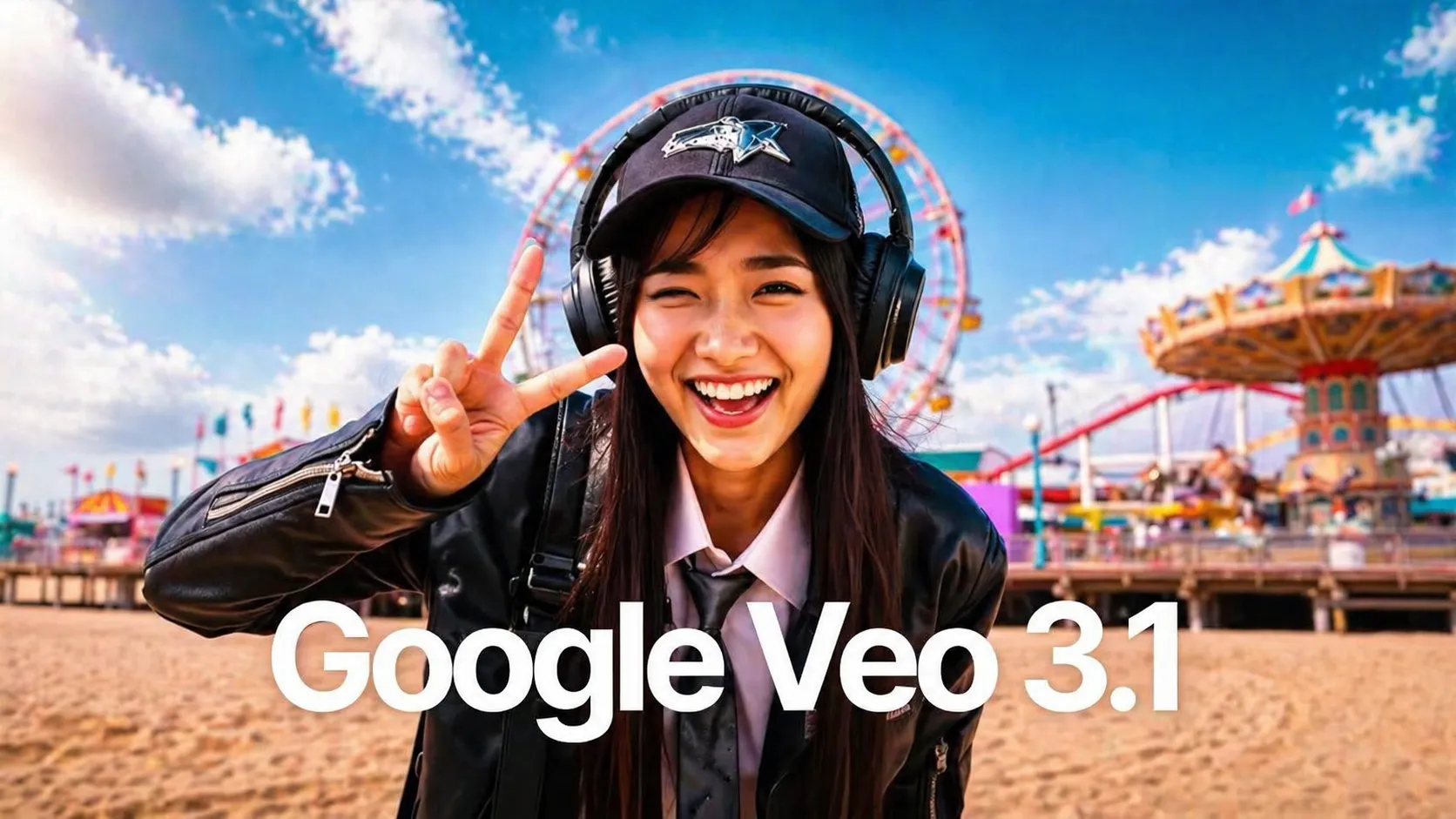

Latest Google release — sharper prompts, smoother motion.
Google

Portrait and character animation at studio quality.
Kuaishou

Alibaba's long-context model — multi-shot scenes.
Alibaba
OpenAI's flagship model — cinematic, photorealistic video generation.
OpenAI

BytePlus next-generation video model — higher fidelity, richer motion, longer clips.
BytePlus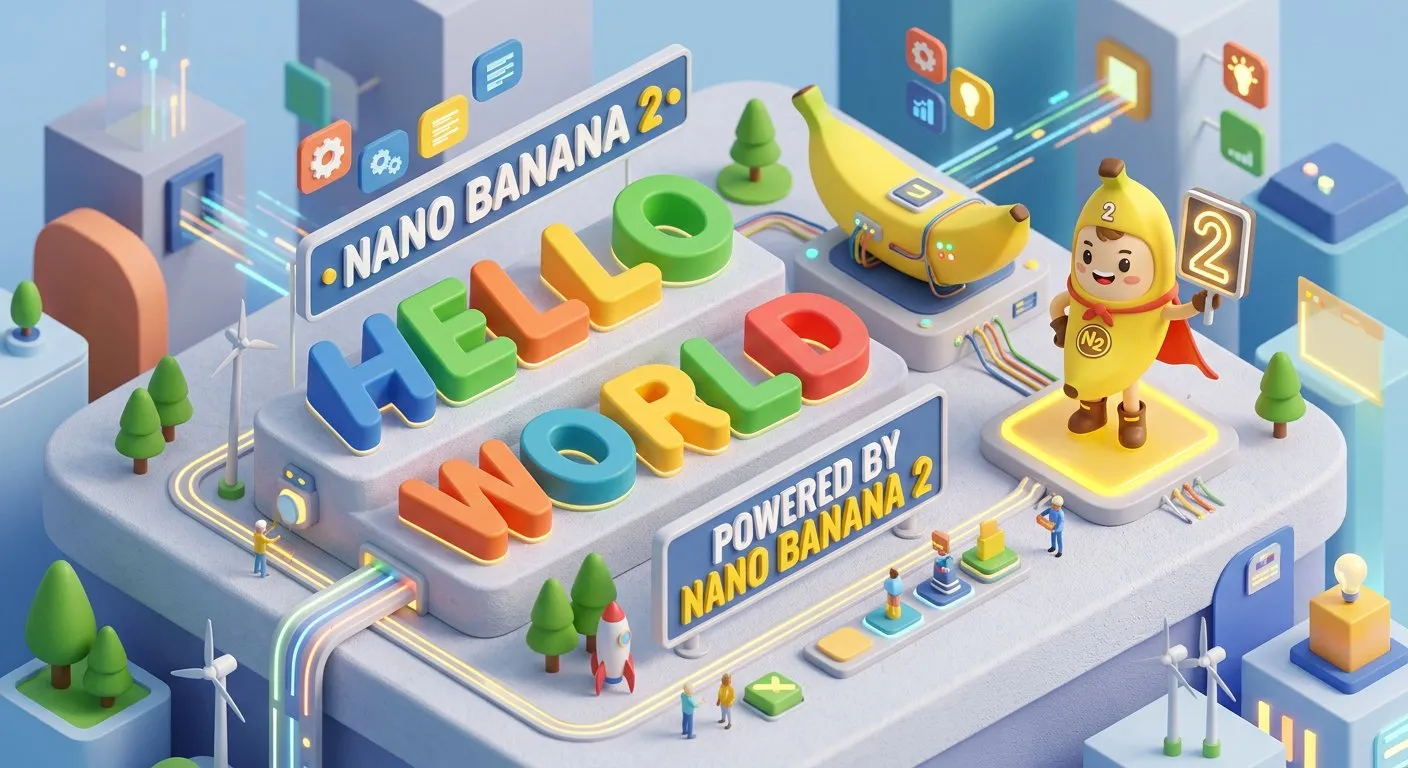
Google's next-gen text-to-image — photorealistic and fast.
Google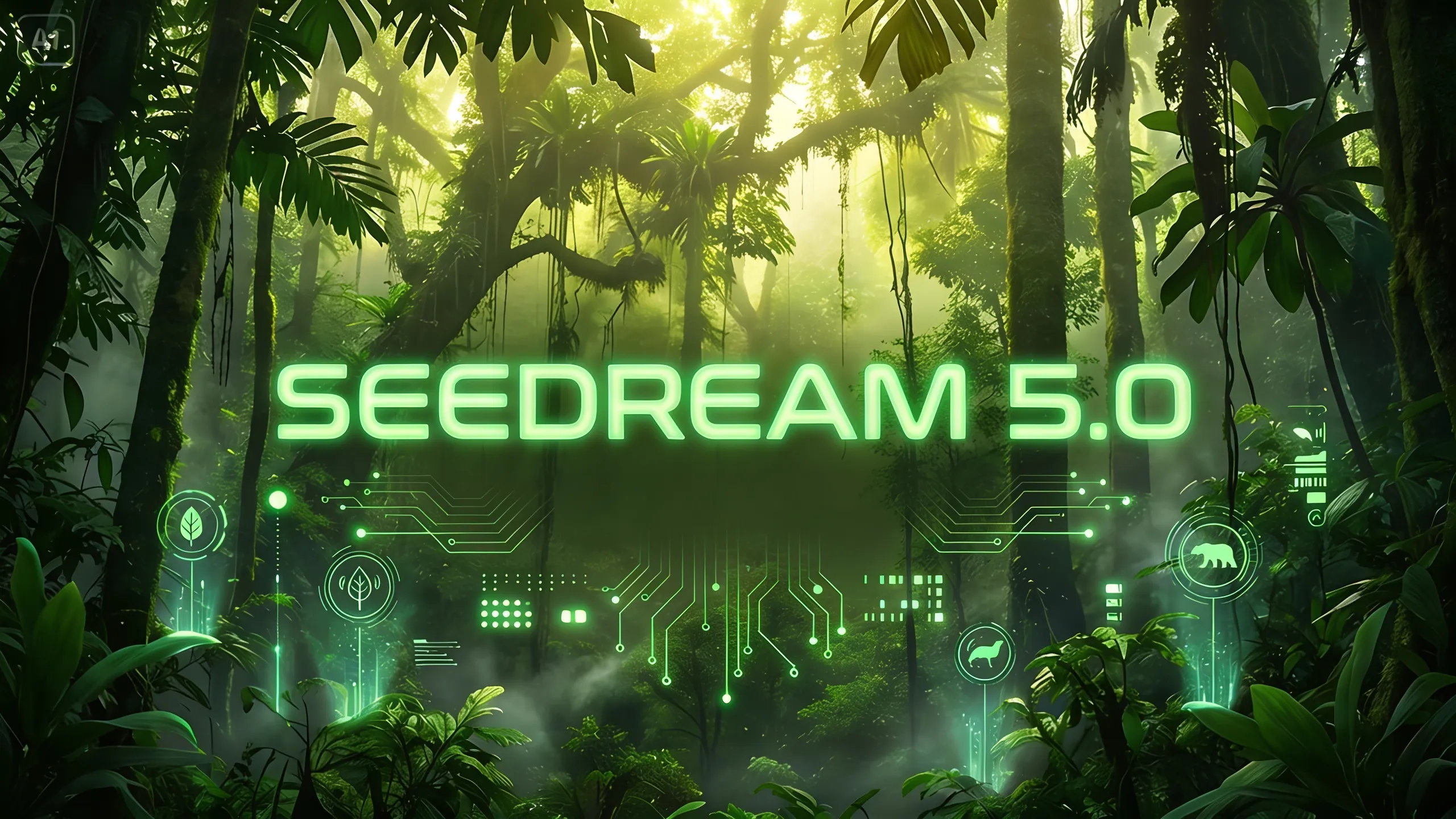
BytePlus advanced image model — stunning 4K quality with natural detail.
BytePlus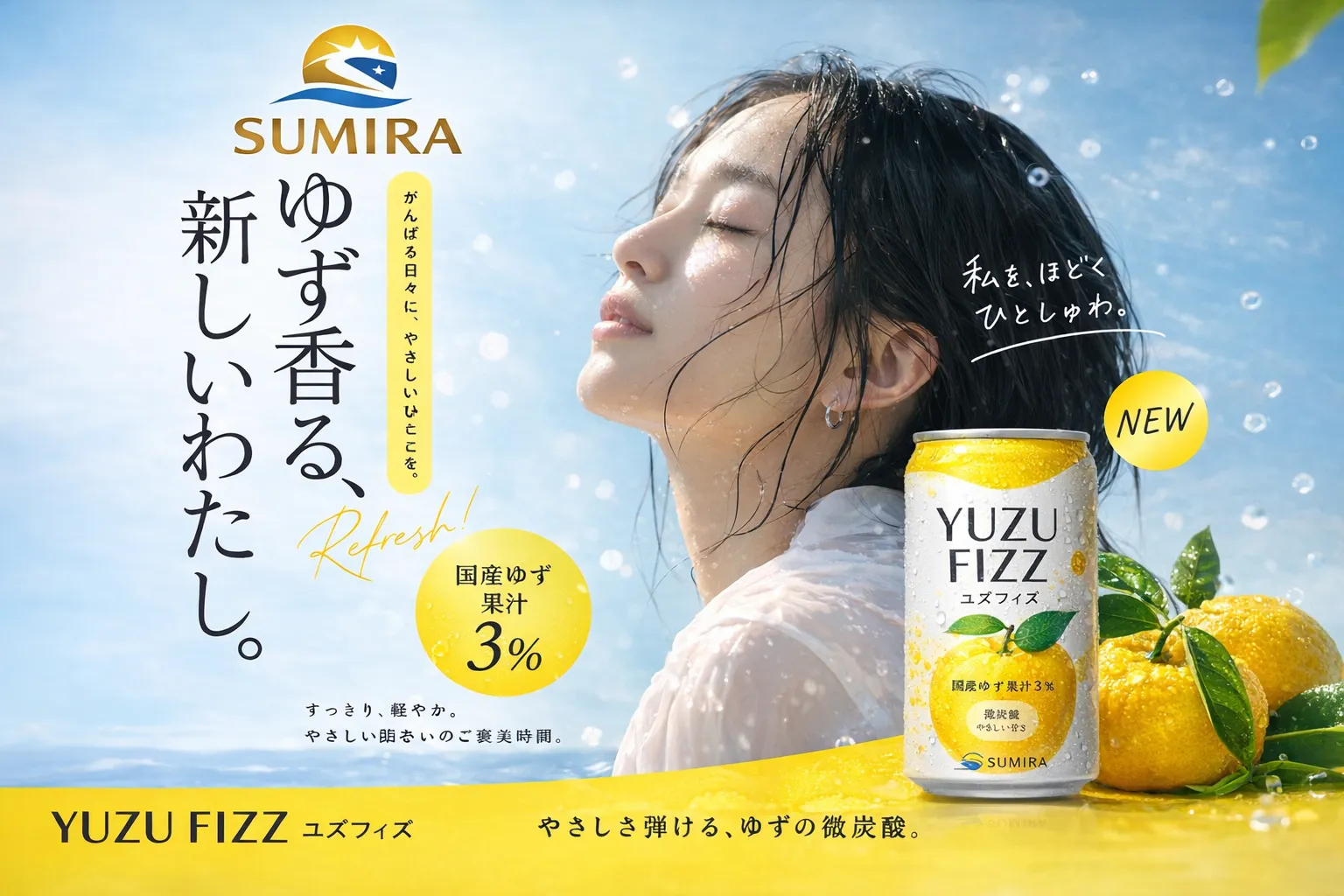

OpenAI's most capable image model — precise instructions, stunning results.
OpenAIEnhance your workflow — face swap, subtitles, effects, sound, reference-to-video, and product showcases.
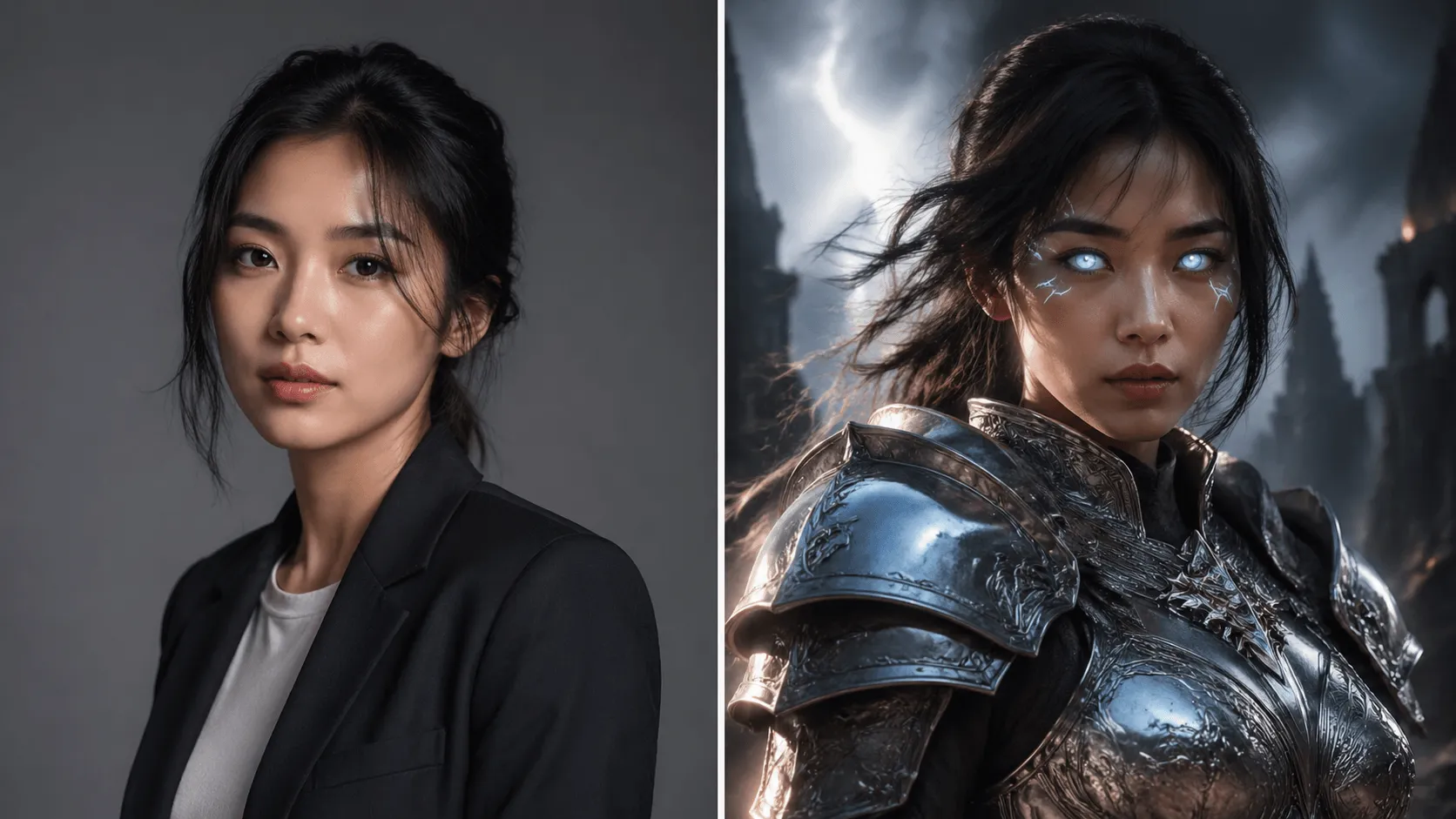 BeforeAfter
Swap faces in videos with AI precision in 60 seconds.
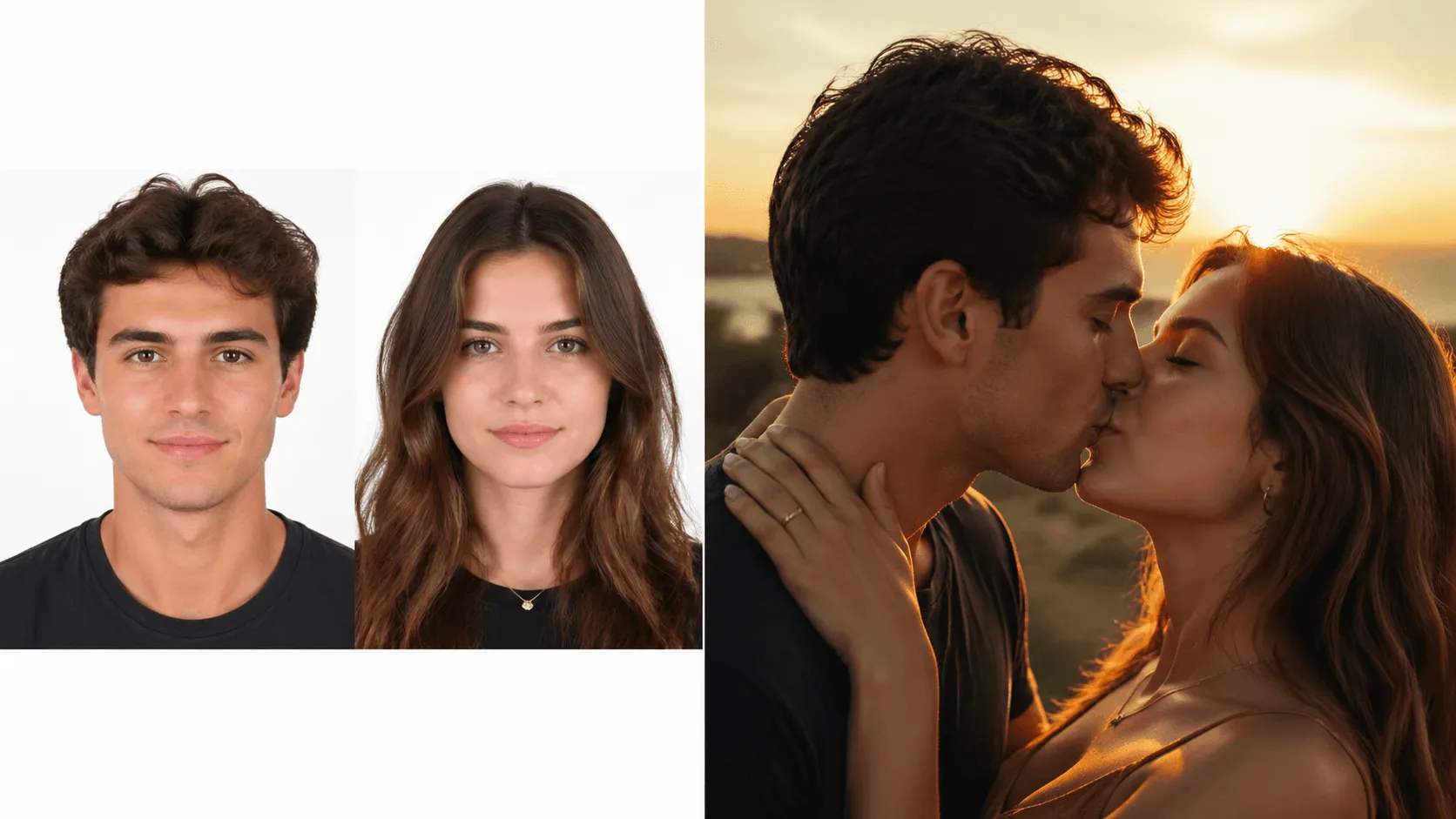 BeforeAfter
Animate two people kissing with AI.
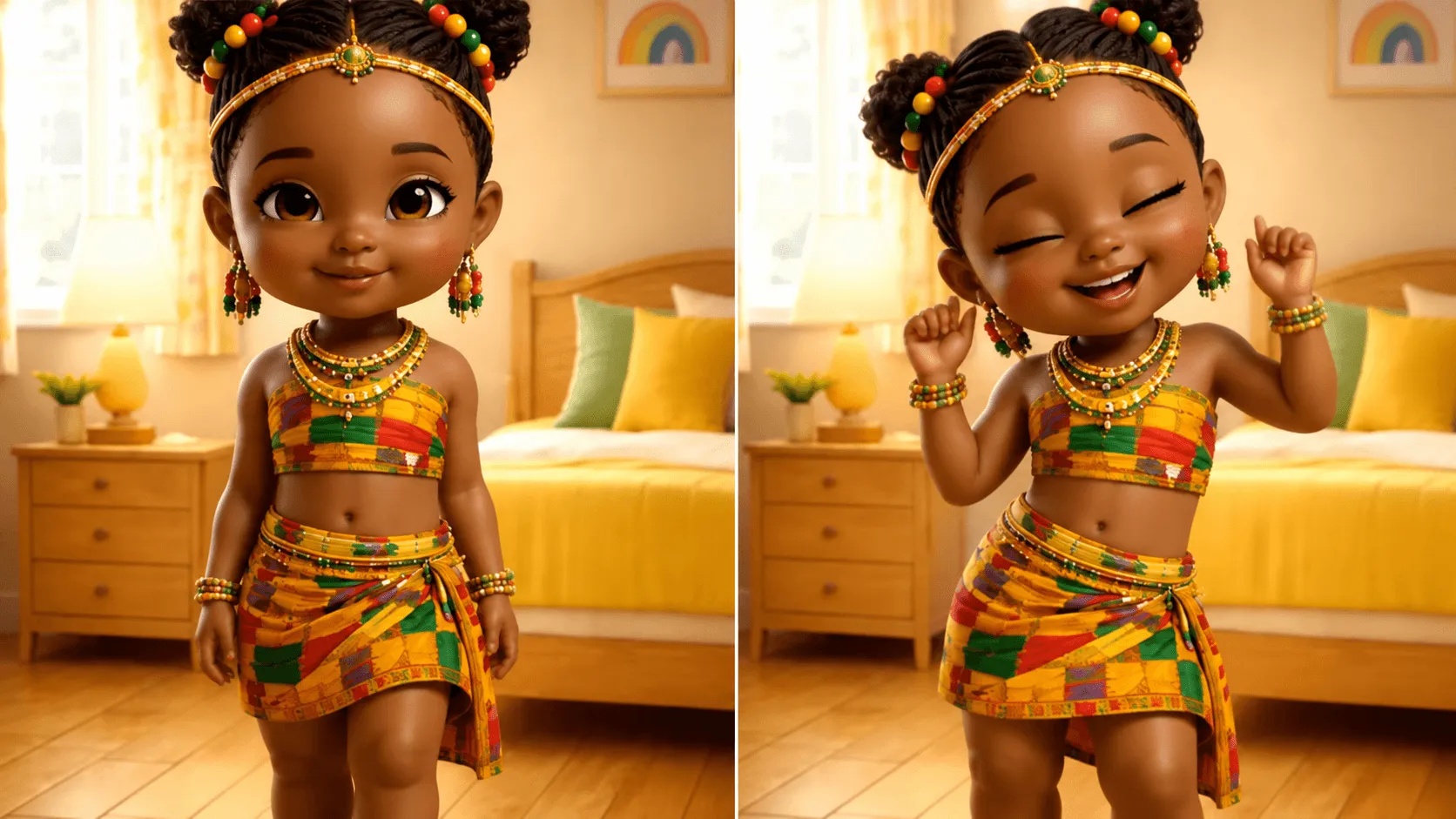 BeforeAfter
Make anyone dance to any music.
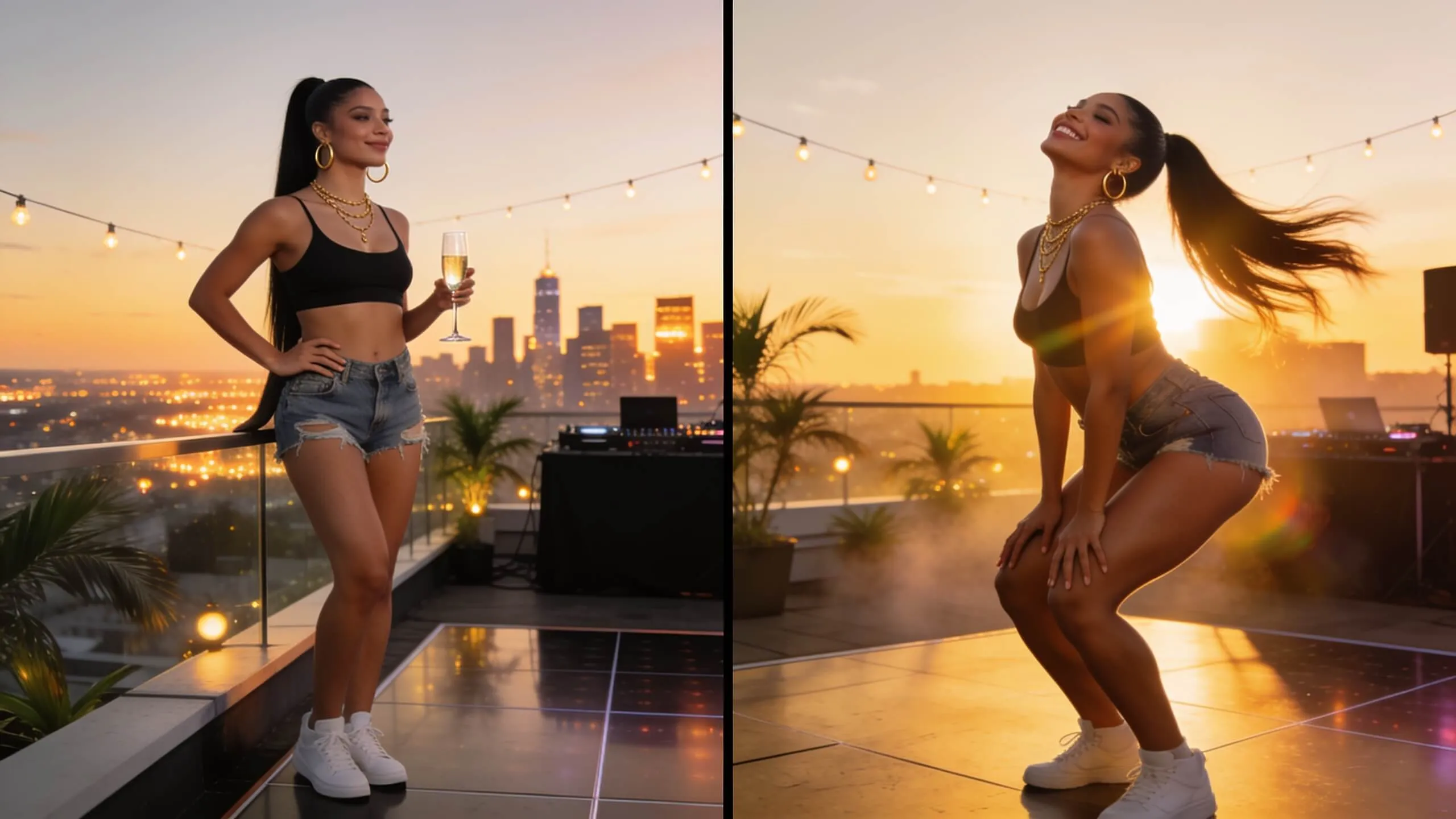 BeforeAfter
Generate fun twerking dance videos.
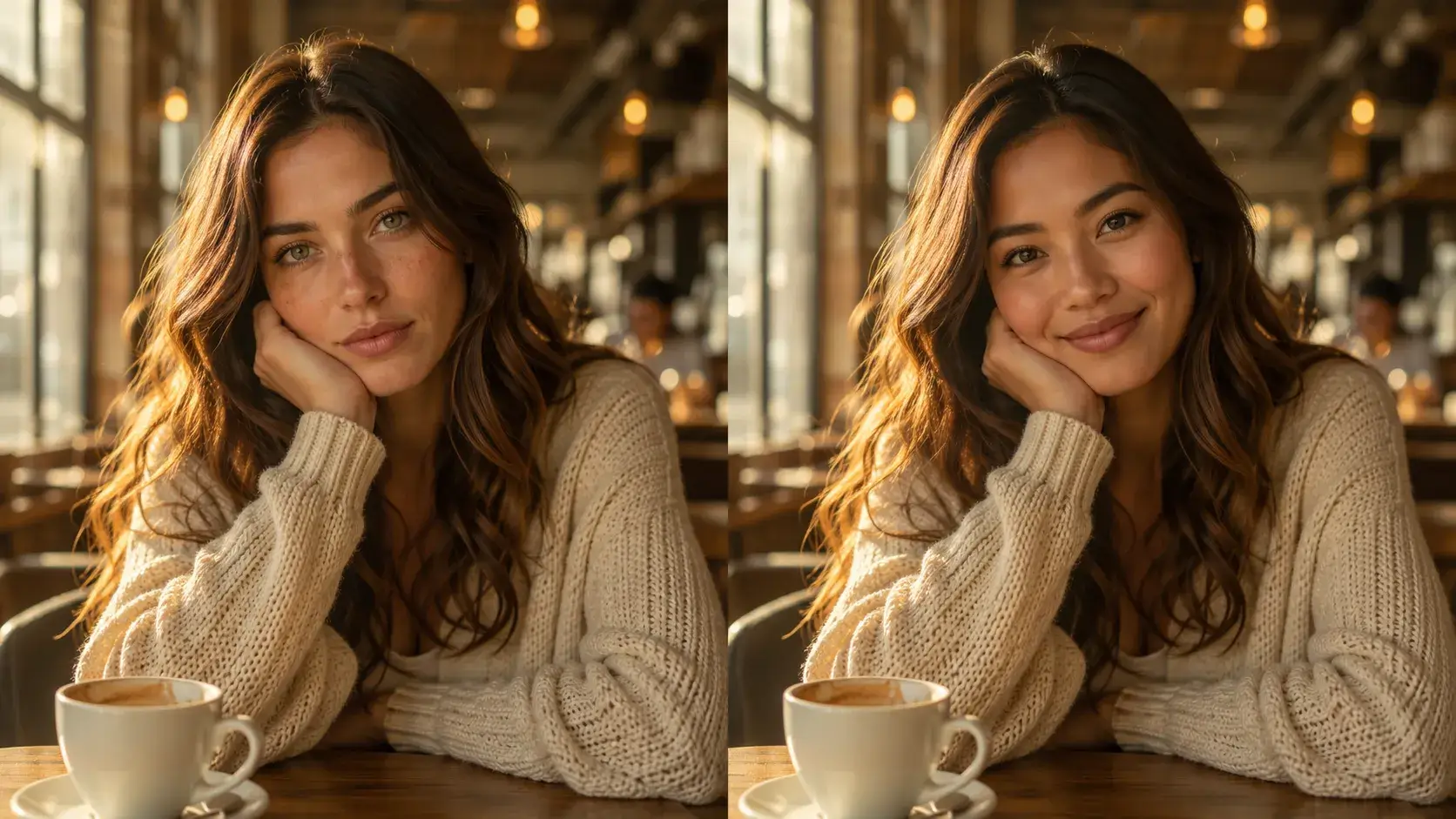 BeforeAfter
Swap faces in any photo instantly with AI-powered precision.
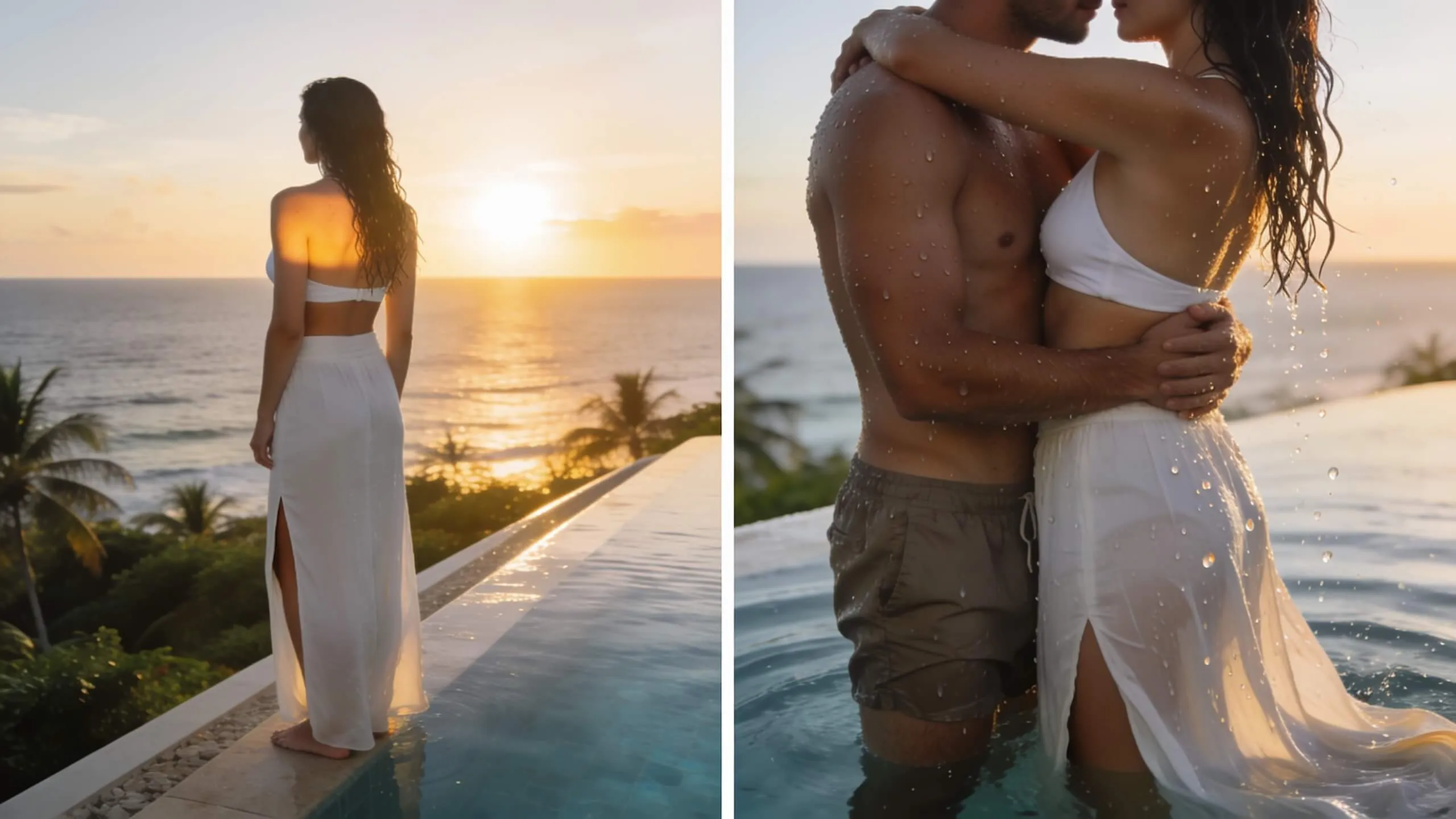 BeforeAfter
Turn a single photo into a warm hug video — bring loved ones close in one AI pass.
From starter credits to professional plans. Find the perfect fit for your creative needs.
Perfect for getting started
Billed monthly in USD through Stripe. Cancel anytime.
Perfect for content creators
Billed monthly in USD through Stripe. Cancel anytime.
Enterprise solution
Billed monthly in USD through Stripe. Cancel anytime.
Every payment opens directly on Stripe. There is no payment-provider selector. Live generation remains unavailable.

Join thousands of creators using AI to make professional videos